 If you have read any of my articles you know how much I like retro-looking pictures. Old pics are cool! So imagine my giddiness when I found Retro Camera Plus. This app sits on the front page of my iPhone along with other necessities like the phone, email, iPod, maps and calendar. In other words, I like it.
So here’s the deal. Retro Camera Plus let’s you select from several vintage cameras, including the Barbl, Little Orange Box, Xolaroid 2000, Pinhole camera, and FudgeCan. You can guess the inspiration for each of these classic cameras or check out descriptions on Urbian, Inc.’s web site. What you get is a whole lot of photographic fun as each of the cameras offer their unique nuances. Once you take a photo (either in color or black and white) it will appear hanging on the line in your darkroom. From there, you can scroll through them, save to your camera roll, Facebook, or Twitter, or send via electronic mail. Since pinhole cameras print across the entire negative, you will notice the full-bleed across the negative. The FudgeCan film is square. It’s all so cool. Did I mention I love retro looks?
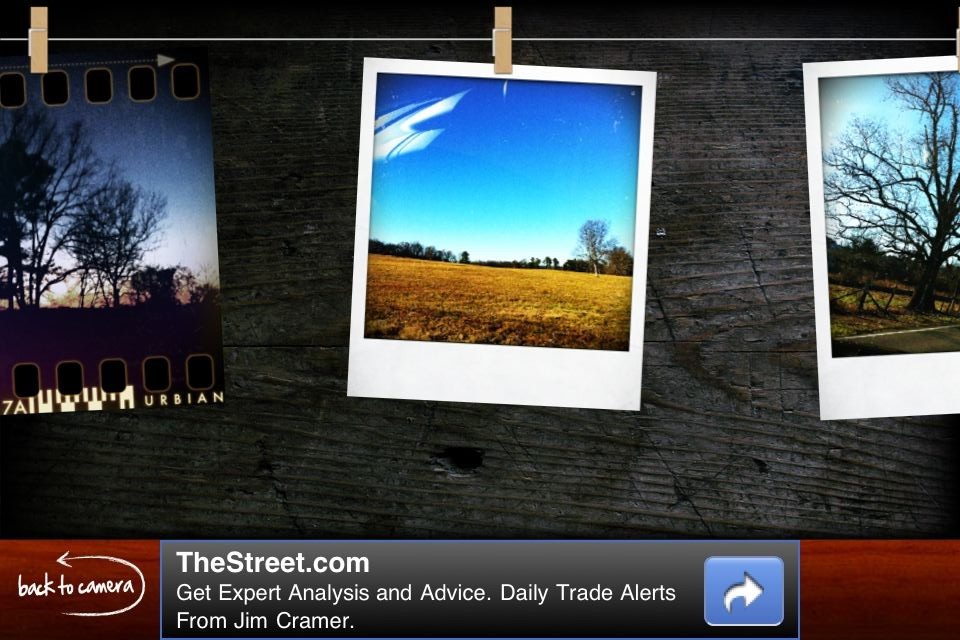 My absolute favorite is the pinhole camera. In preparation for writing this article I rode shotgun with my wife driving and took the opportunity to shoot anything that I thought would look good. I tried all the camera options, but kept going back to the pinhole camera.
Retro Camera Plus is ad-supported so the app is free. This is definitely one that I would pay for. You’ve got to check this one out! You’ll be glad that you did.
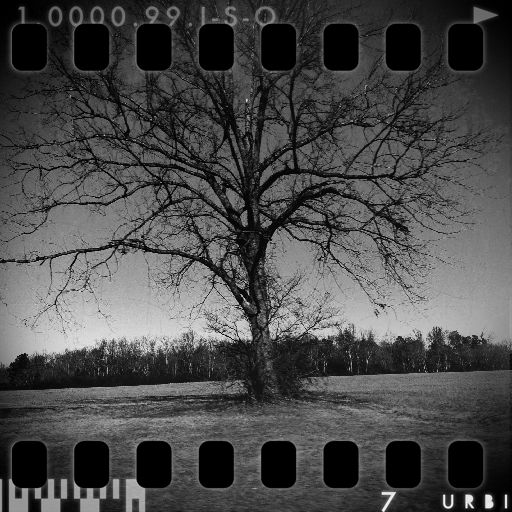
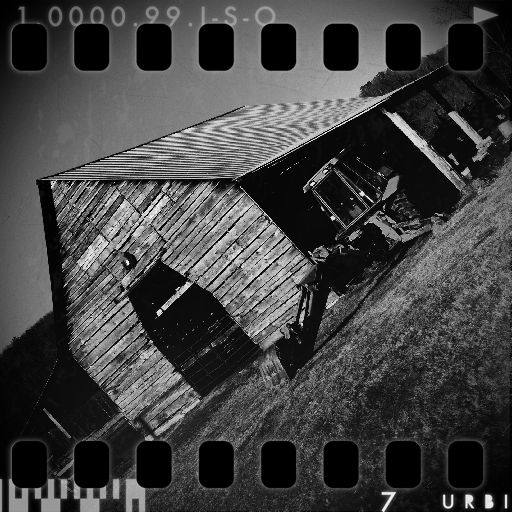
I’ve included a small gallery of photos taken with this app below. I hope you enjoy and are as inspired by this app as I am. All the best… Mike
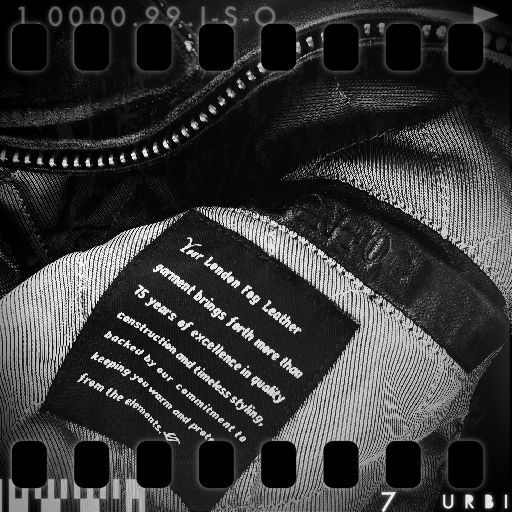
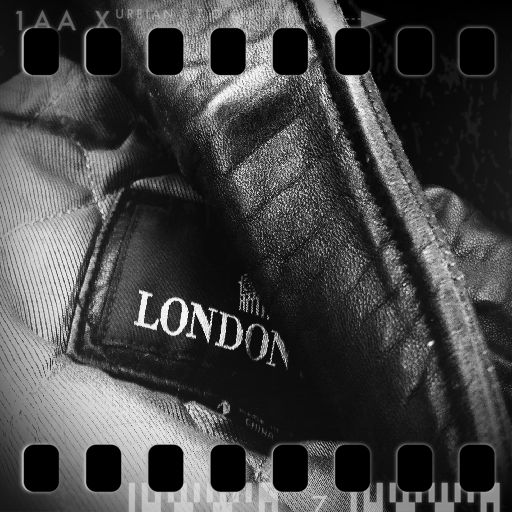

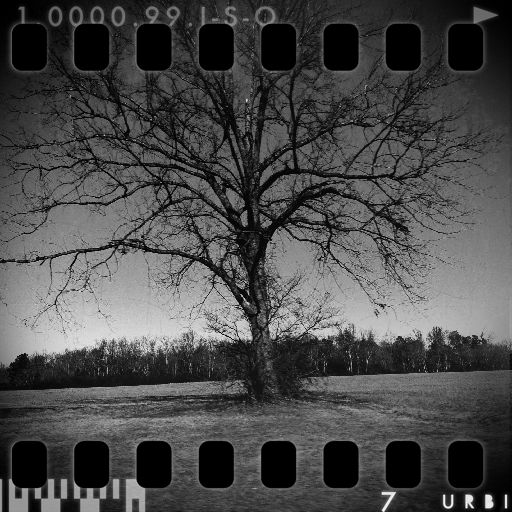

*The Current Photographer website contains links to our affiliate partners. Purchasing products and services through these links helps support our efforts to bring you the quality information you love and there’s no additional cost to you.

A college administrator by profession, Mike Kennamer enjoys the opportunity to take photos and improve his skills by shooting events at work, church, and for friends. He enjoys landscape photography, portraiture and is starting to dabble in HDR. His current photography project involves learning to control flash manually. “My goal”, according to Kennamer, “is to be the best photographer I can be.”
Kennamer is also the President of Kennamer Media Group, Inc., a provider of traditional and online media, specializing in the healthcare industry. On CurrentPhotographer.com he writes about iPhone and iPad applications for photographers.
RT @TrevorCurrent: New Post: Achieve Super Cool Images with Retro Camera Plus https://currentphotographer.com/achieve-s… #photog #togs