 Do you ever wish that you could make your photos or documents available whether you are at home, at the office, or even at your kid’s sporting event? Then Dropbox may be the app for you!
The premise behind Dropbox is simple. Files that you place in the Dropbox folder in your computer or mobile device are available on any of your devices (or any computer, for that matter). So why would I use this? I was recently working on a magazine article in which I was to provide the photos. I obtained paper-based model releases and scanned them into my computer at the office. So that I would have access to them on my home computer, I saved them to my Dropbox. Now I have access to them at the office, at home, and on my iPhone. So when I needed to email them to the editor from home it was no problem.
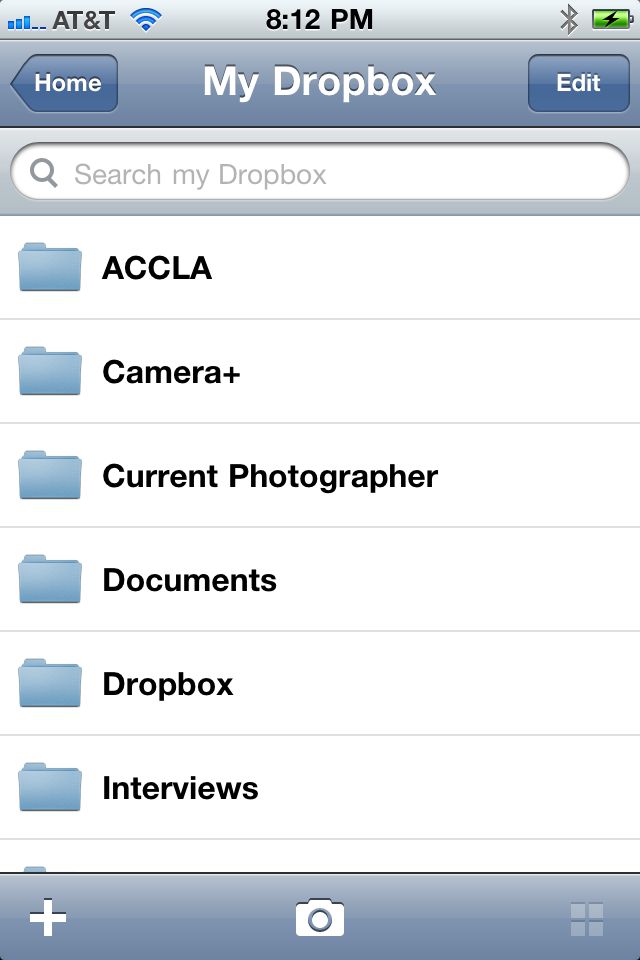 The iPhone app, of course, brings this convenience to your iPhone. I actually use it on a regular basis in the preparation of these articles. Any time I take a screen shot from my iPhone I move that to a folder in Dropbox. I can then upload it from my computer into this article. The best part of this app is that you always have it with you. If you are dealing with documents or Powerpoint presentations, you also have the latest update available. And since your Dropbox appears in your file structure, it’s so easy.
Dropbox provides up to 2GB of storage at no cost. If you need more storage space you can upgrade by visiting the Dropbox web site. If you are like me in that you have too many electronic devices in too many places, you will find Dropbox to be refreshingly easy.
All the best…Mike
*The Current Photographer website contains links to our affiliate partners. Purchasing products and services through these links helps support our efforts to bring you the quality information you love and there’s no additional cost to you.

A college administrator by profession, Mike Kennamer enjoys the opportunity to take photos and improve his skills by shooting events at work, church, and for friends. He enjoys landscape photography, portraiture and is starting to dabble in HDR. His current photography project involves learning to control flash manually. “My goal”, according to Kennamer, “is to be the best photographer I can be.”
Kennamer is also the President of Kennamer Media Group, Inc., a provider of traditional and online media, specializing in the healthcare industry. On CurrentPhotographer.com he writes about iPhone and iPad applications for photographers.
RT @TrevorCurrent: New Post: Dropbox: For the Photographer on the Move https://currentphotographer.com/dropbox-f… #photog #togs
@TrevorCurrent – I’ve used Dropbox for some time. Love the product!
@ANDImages Cool! Have you used this iPhone app too?
@TrevorCurrent I use the Droid version.
RT @TrevorCurrent: Cool #iPhone app – Dropbox: For the Photographer on the Move. From Contributor @manualdslr https://currentphotographer.com/dropbox-f… #phot …