
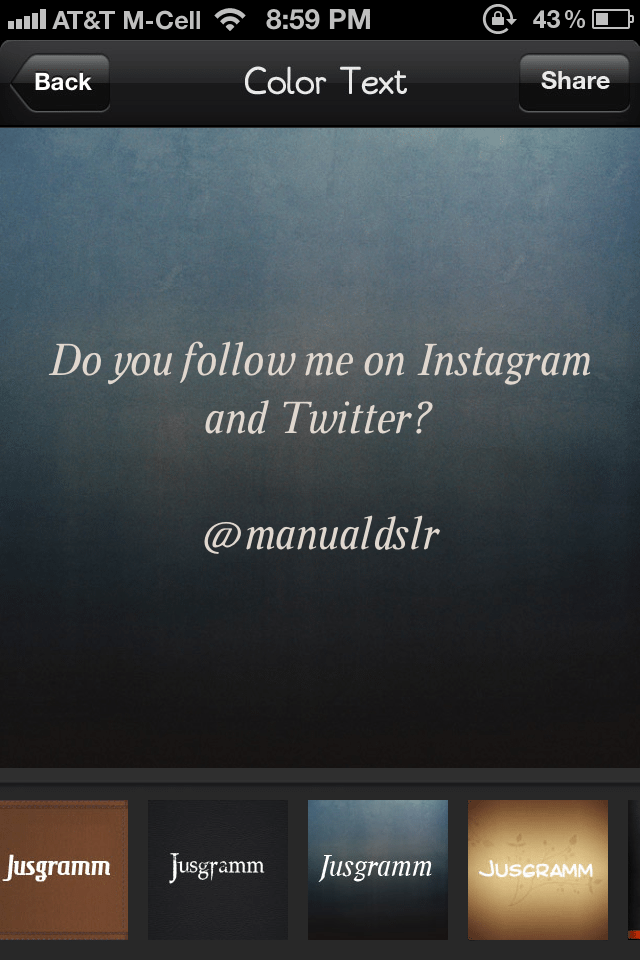
 If you like Instagram like I do you sometimes need to share a typed message with your friends. In the past we might have used Notepad to write the message, take a screen shot and upload to Instagram. But Color Instagram Text + will change the way you do that. It’s very simple to operate and brings some pizazz…allure…oomph to your text-based messages.
Once you open the app you will see a simple box. Type your message and click “Next”. Here you are able to select your background/font combination. There are 13 options included and theme packs may be purchased in the app. The app is free but theme packs may be purchased for 99 cents to $1.99. Once you select your background you simply click “Share” to import into Instagram, copy and iMessage, save to photo album, or email.
1. Compose message. 2. Select effect. 3. Share. It is that simple.
If you follow me (@manualdslr) on Instagram or Twitter you will likely see some of these soon. Hope you enjoy!
All the best…Mike
*The Current Photographer website contains links to our affiliate partners. Purchasing products and services through these links helps support our efforts to bring you the quality information you love and there’s no additional cost to you.

A college administrator by profession, Mike Kennamer enjoys the opportunity to take photos and improve his skills by shooting events at work, church, and for friends. He enjoys landscape photography, portraiture and is starting to dabble in HDR. His current photography project involves learning to control flash manually. “My goal”, according to Kennamer, “is to be the best photographer I can be.”
Kennamer is also the President of Kennamer Media Group, Inc., a provider of traditional and online media, specializing in the healthcare industry. On CurrentPhotographer.com he writes about iPhone and iPad applications for photographers.