PRESS SUMMARY – An annual survey of 1,139 Graphic Design USA (GDUSA) readers shows designers rely on stock imagery today more than ever. The survey, which the magazine has been doing for 24 years, shows that 95 percent of designers use stock in their work and more than half use stock at least 20 times a year. Both represent new highs in the survey.
The survey demonstrated how important innovations like subscription models, micropayment, robust search capabilities and royalty-free licensing have contributed to the use and acceptance of stock. A short follow-up survey revealed that 70% of the respondents who have a “go-to” microstock agency prefer iStockphoto.
“Looking back at the past 24 years, it is easy to see why and how stock has become ubiquitous in the world of design,” said Gordon Kaye, editor and publisher of GDUSA. “Gone is the arduous task of dealing with color separations and gone are the ‘Mad Men’ days of three-martini lunches and unlimited budget. Designers today are being asked to do more with less. Fortunately, new business models and technologies have made it possible for them to continue to produce brilliant work.”
In general, designers are satisfied with the range of choices and the quality of images available today, and most believe collections continue to improve. However, many respondents pointed out a lack of originality, contemporary imagery and a tremendous need for greater diversity in cultural, ethnicity, gender and age offerings. Those same designers indicated that they are willing to pay a premium for this kind of content. Read More→

Founder of Current Photographer, co-host of The Digital Photography Cafe Show, Designer, Photographer, and overall tech geek.
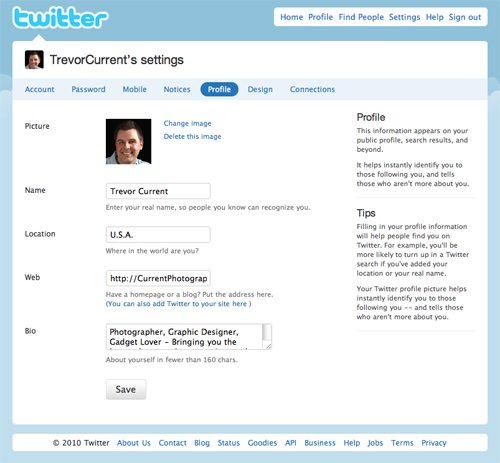
 To be successful in todays times, all photographers need to be online and involved in social media. I always recommend having at least a blogsite to display your work and post articles that would be of interest to your clients, a Facebook profile and business page, and an active Twitter presence. In this tip I’m going to show you how to build a great looking, functional and branded Twitter profile page for your photography business.