Archive for Video – Page 5

Video Zoom2 for Your iPhone Video Camera

Don’t you wonder why Apple didn’t include a zoom on the video camera on your iPhone? Me too. Apparently so did the good folks at Mirage Labs (who make VideoPix, which we reviewed here previously). The concept is quite simple. Instead of using the provided Camera application to shoot video you use the Video Zoom 2 app. The Video Zoom 2 app looks much like the provided Camera app except that there is a zoom bar at the bottom of the screen.

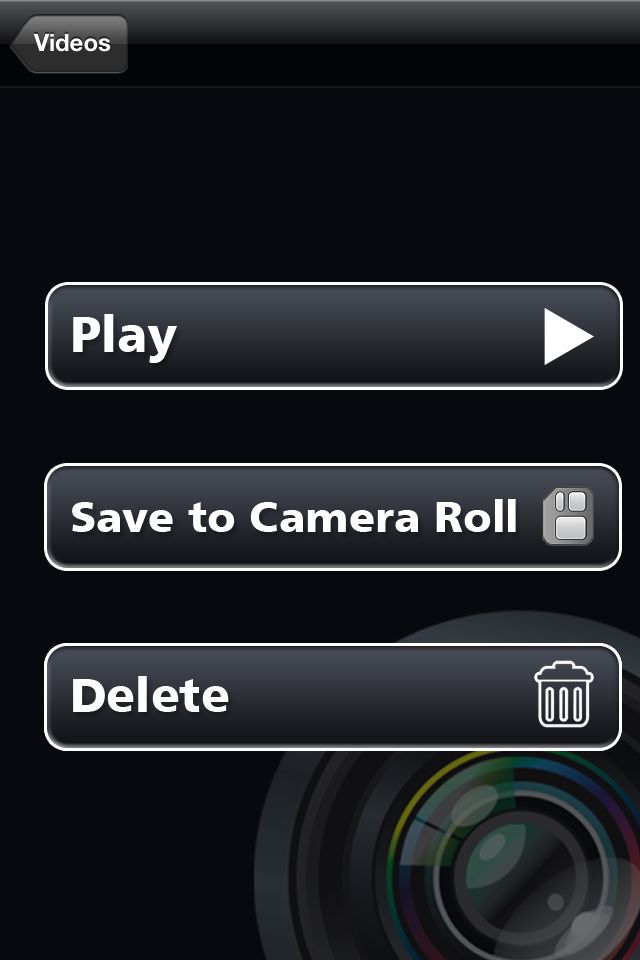
Recording is very straight forward and simple. Once you record the video, your clip will be stored within the application. You click on the clip to play it, save it to the camera roll or delete it. I feel like I should write something else, but that’s about it. Read More→

2011 WPPI Coverage – Tiffen – Stedicam

Tiffen Logo

I had the chance to meet with Dan Ikeda, Director of Technical Services from Tiffen – Steadicam, at the 2011 WPPI Trade show and Convention, to talk about their latest stabilizing rigs. We take a look at the Steadicam Pilot for full size video cameras up to 10 pounds, Steadicam Merlin for DSLRs and the Steadicam Smoothee for the iPhone 4, iPhone 3Gs and compact camcorders.

A while back I posted an article about the Steadicam Smoothie that you can check out for more information.

–

2011 WPPI Coverage – Promark Brands

Promark Brands Logo

I had the chance to meet with Bob Higgins, Sales and Marketing Manager from Promark Brands, at the 2011 WPPI Trade show and Convention, to talk about their latest lighting systems from Photogenic, Smith-Victor, Norman and Cool-Lux. If you’re looking for Flash units, entry level constant lighting or compact video lighting you’ll want to check out the great products from Promark Brands.

Photogenic LogoSmith-Victor Logo

Norman LogoCool-Lux Logo

Note: The PL625DR (Powerlight Line) does not have an audible flash confirmation, just visual.
We have Lead Acid and NiCAD battery supplies for Cool-Lux, no Nickel Metal Hydride.

–

2011 WPPI Coverage – Animoto

I had the chance to meet with Erik Bjornard, VP Marketing for Animoto.com, at the 2011 WPPI Trade show and Convention, to talk about their new high-speed video rendering engines and HD video capabilities.

For those of you that have never heard of Animoto before, they are a video creation Web site that lets photographers quickly and easily create professional-quality videos from their photos and video clips. Animoto has partnered with White House Custom Colour, ProSelect and SmugMug to take advantage of their platforms and make it easier to send your images from where they are stored to create your Animoto projects.

If you haven’t already be sure to check out Animoto.com and the services they offer. This is a great platform to help you extent your client offerings and create some amazing videos with minimal effort.

–

Create Cool Videos with Splice iPhone App

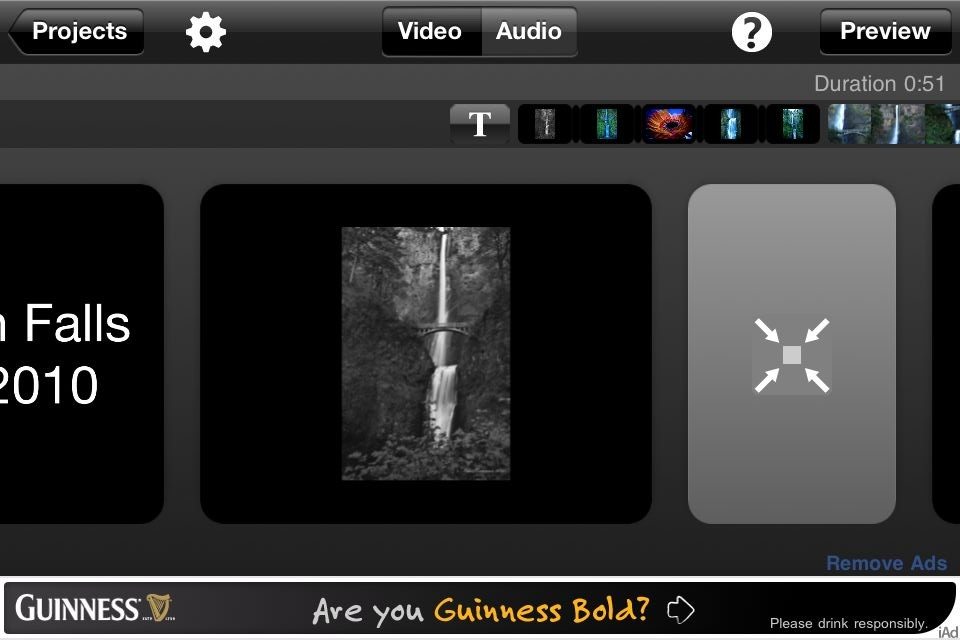
Okay, I am not a videographer, but from time to time I might like to put together a “slide show” or “movie” with both still photos and video shot on my iPhone. That would be cool…right? Well, in my case it would be cool only if it is relatively quick and easy to do. I won’t be shooting an episode of House, M.D. on my iPhone but I might like to put together mini-videos of places I visit.

Enter the iPhone app Splice. As a pre-digital audio geek, “Splice” brings back memories of reels of magnetic recording tape, sticky white tapes stuck everywhere and razor blades lying around willy-nilly, the app is much easier to handle. In fact, it only took a few minutes to make my first video. While I won’t attempt a tutorial here, I will say that the good folks at Path 36, the makers of Splice, will provide all the instruction you need. What I can tell you is that Splice will help you to make a cool video without much difficulty.

So what can you do with Splice? You can: Read More→

Go Behind-the-Scenes of a High-end Fashion Shoot with Joseph Cristina

In this behind-the-scenes video, Joseph Cristina from Allure Multimedia tests the Hasselblad H4D-40 medium format DSLR camera in a high-end fashion shoot. Joe’s creative vision and “run and gun” style of shooting combined with the superior quality of the H4D-40 captured some amazing images of these original fashion designs.

The shoot took place in sunny Miami, Florida at Shake-A-Leg Miami Aquatic Center and Marine Academy. You may see some familiar settings in this video as several segments of the hit USA Network original series “Burn Notice” were filmed there. If you look closely in the video you may even see a few clips of me. I flew down to assist Joe on the shoot and to cover the event for CurrentPhotographer.com. We’ll be posting a full review of the Hasselblad H4D-40 along with some other photos, clips and behind-the-scenes content from the day.

.